
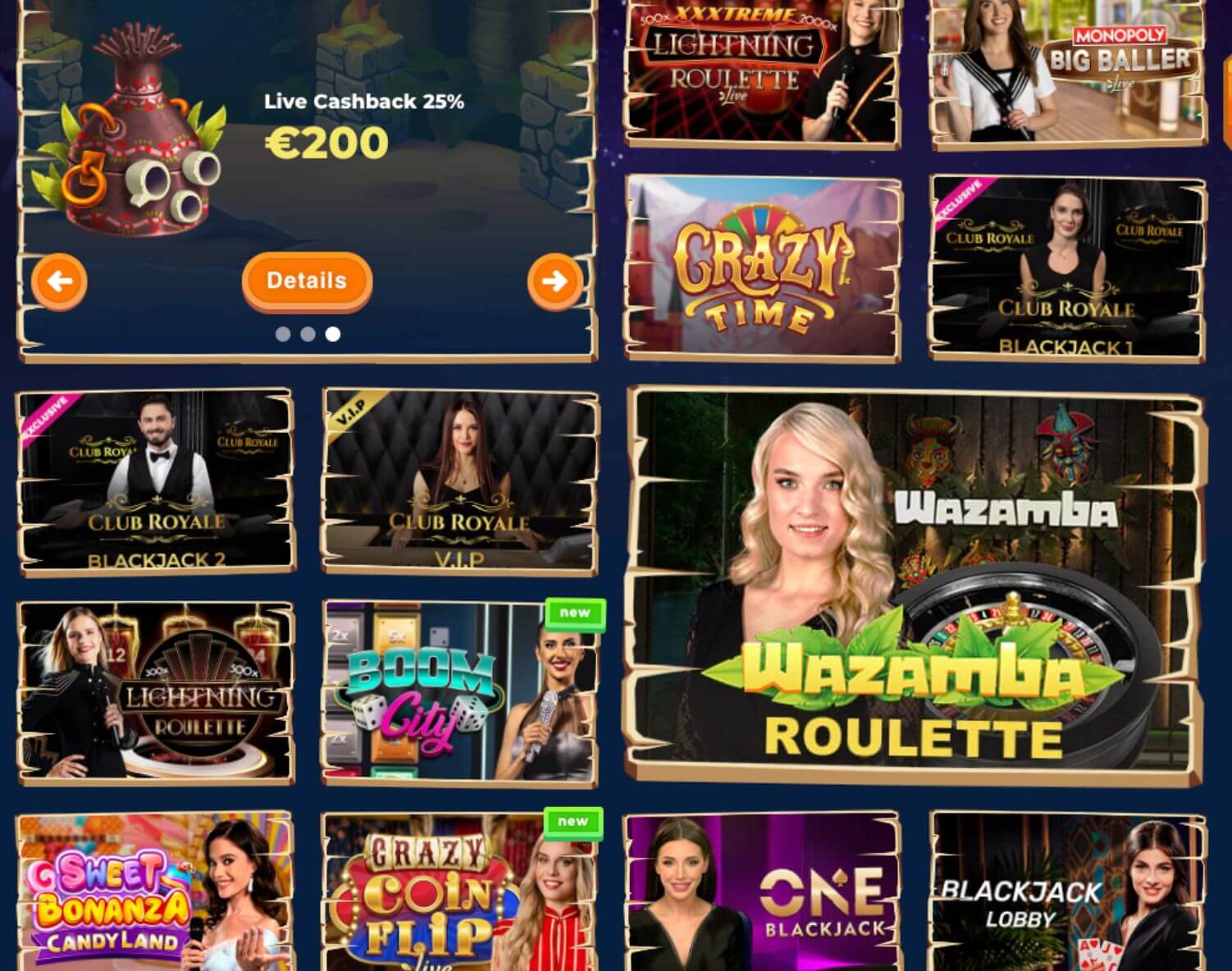
We are delighted to introduce the latest version of the Wazamba Casino app, a release built with the needs of Polish players in mind. This update is not a minor polish; it brings significant changes that touch every corner of the mobile experience, from the moment you log in to the instant you request a withdrawal. We have overhauled the lobby navigation, added smarter search filters, and fine‑tuned the performance so that games load faster even on mid‑range devices. If you have been using our app for months or are considering downloading it for the first time, this guide will walk you through everything that is new, how to get the app onto your phone, and what you can expect in terms of compatibility, security, and day‑to‑day use. Our goal is to give you the knowledge you need to make the most of mobile play at Wazamba Casino, right here in Poland.
What Has Changed in the Most Recent Wazamba Casino App Update for Poland
When we sat down to plan this update, we focused on three pillars: speed, clarity, and control. The most noticeable change is a redesigned home screen that showcases your favourite games and active promotions without making you to scroll through endless banners. Behind the scenes, the app now uses a more efficient caching system, which means that once you have loaded a game, returning to it later is almost instantaneous. We have also introduced a new notification centre that groups messages intelligently, so you never miss a bonus expiry or a tournament start, yet your phone is not bombarded with alerts. All these improvements are ready to players in Poland immediately after updating, and they work seamlessly with the Polish language interface that many of you choose.
Upgraded Game Lobby and Search Filters
Finding the proper game in a library of countless slots, table games, and live dealer tables can be daunting. That is why we redesigned the search and filter system from the ground up. The new lobby lets you sort by provider, volatility, theme, and even by attributes such as “Megaways” or “Bonus Buy.” If you already identify the title you want, the predictive search bar starts proposing results after you type just two letters. We have also added a “Recently Played” row that stays anchored to the top of the screen, so you can return into your session with a single tap. For Polish players who appreciate localised content, the app now showcases games that support the Polish language in the interface or have Polish‑speaking live dealers, rendering it easier to find a convenient table.
Optimized Registration and Account Management
We understand that not every gambler prefers to fill out a lengthy form on a small screen. The revised app simplifies account creation by dividing the process into three quick steps, and it now supports autofill for address and personal details if you allow the app to reach your device’s stored information. Once registered, the “My Account” area has been restructured so that deposit history, bonus status, and responsible gaming tools reside within a unified, scrollable dashboard. We have also added biometric login support on both Android and iOS, allowing you to sign in with your fingerprint or face recognition instead of entering your password each time. This feature is completely optional, but we advise it for anyone who appreciates both speed and security.
Steps to Get and Set Up the Wazamba Casino App on Android
Because the Google Play Store restricts real‑money gambling apps in many regions, we provide the Android version of our app directly through the official Wazamba Casino website. This method is safe, fast, and delivers you the most up‑to‑date version without waiting for third‑party approvals. The process requires downloading an APK file and adjusting one security setting on your phone. We have made the steps as straightforward as possible, and our support team is reachable around the clock if you run into any difficulties. Below we detail the exact procedure and clarify why each step is necessary.
Complete Installation Guide
To get started, open the browser on your Android device and head to the official Wazamba Casino website https://wazamba-online.com/pl/app/. Find the “Mobile App” section or a clearly marked download button. Tap it, and the APK file will commence downloading immediately. Once the download finishes, you will likely see a warning that the file may be harmful; this is a standard Android security message for apps obtained outside the Play Store. You can safely proceed by tapping “OK” or “Download anyway.” After the download completes, open the file and follow the on‑screen prompts to install. The entire process typically needs less than two minutes on a stable Wi‑Fi connection.
Handling Unknown Sources and Security Permissions
Before you can install the APK, your device needs permission to accept apps from unknown sources. On most modern Android phones, you will be asked to allow installation from your browser or file manager when you first try to open the APK. Simply toggle the permission on, complete the installation, and then you can switch it off again if you prefer. We digitally sign every APK with a certificate unique to Wazamba Casino, and the file is scanned for malware before we publish it. Still, we encourage you to download the app only from our official domain. If a pop‑up asks for excessive permissions beyond storage and network access, abort the installation and contact our support team immediately.
Supported Devices and System Requirements for Players in Poland
We aim for the Wazamba Casino app to run smoothly on a wide range of devices, but we also believe in openness about what is necessary for the best experience. The app is developed to work on smartphones and tablets, and we constantly test it on a variety of common models found in Poland. While you may install the app on older hardware, we strongly suggest meeting the ideal requirements to benefit from high‑definition graphics and live streaming without lag. Below we break down the specifics for Android and iOS, along with a few helpful tips to check your device before you download.
Android Compatibility
For Android users, the app requires version 7.0 (Nougat) or higher, although we suggest Android 9.0 (Pie) and above for peak performance. The installation file is comparatively lightweight at around 40–60 MB, but games and live streams will consume additional storage as you play. Your device should include at least 2 GB of RAM, though 3 GB or more will offer a noticeably smoother experience when using multiple apps in the background. We have verified compatibility with well-known brands such as Samsung Galaxy, Xiaomi, Huawei, and OnePlus, including models that are frequently sold in Poland. If you are uncertain about your Android version, you can look up it in the “About phone” section of your settings before initiating the download.
iOS Compatibility
On the Apple side, the Wazamba Casino app supports iOS 12.0 and all later versions, including the latest iOS 17 releases. It is completely optimised for iPhone models from the iPhone 6s onward and for iPad Air 2 and newer tablets. We leverage Apple’s Metal graphics framework to provide crisp animations and responsive touch controls, even during fast‑paced live dealer rounds. As with Android, we recommend having at least 2 GB of RAM, which covers virtually every iPhone introduced in the last several years. The app is obtainable directly from the Polish App Store, so you can be confident that it has passed Apple’s review process and fulfills strict privacy and performance standards.
Differences Amongst the Wazamba Mobile App and the Desktop Website
While the desktop site and the mobile app share the same account, game library, and promotions, the app delivers several advantages that are worthy of understanding before you determine how to play. We crafted the app to seem like a intuitive extension of your phone, with gestures, haptic feedback, and a layout that places the most important actions within thumb reach. At the same time, there are a few features that are exclusive to the desktop version due to screen size or technical constraints. Knowing these differences will help you choose the right platform for each session.
Interface and Navigation
The most apparent difference is the navigation. On the app, the main menu rests at the bottom of the screen, offering you one‑tap access to the lobby, cashier, promotions, and your profile. This bottom‑bar design is a intentional choice to make one‑handed use comfortable, especially on larger phones. The desktop site, by contrast, uses a top navigation bar and side menus that operate better with a mouse and keyboard. The app also supports swipe gestures; for instance, you can swipe left or right to move between game categories, and pull down to refresh your balance. These gestures are not available on the browser version. However, the desktop site allows you to keep multiple game tabs open simultaneously, which is something the app does not support.
Special Mobile Functions and Bonuses
We sometimes run promotions that are offered only to players who use the app. These can include no‑deposit free spins, boosted deposit matches, or entry into mobile‑only tournaments. The app also supports biometric login, which the desktop site cannot offer, and it can send push notifications that reach you even when you are not actively browsing. On the other hand, the desktop platform may provide a wider view of live casino tables and more detailed statistics screens that benefit from a larger display. Both platforms are fully synchronised, so you can start a game on your computer and continue on your phone without losing progress. We encourage you to keep both options handy and use the app for quick, on‑the‑go sessions while reserving the desktop for longer, more analytical play.
- The app employs a bottom navigation bar for convenient one‑handed use, while the desktop relies on top menus and side panels.
- Biometric login (fingerprint and face recognition) is limited to the mobile app and cannot be reproduced on a browser.
- Push notifications keep you informed about promotions and game releases in real time, a feature the desktop site cannot match.
- Mobile‑only bonuses show up periodically and are labeled with a special badge in the promotions section of the app.
- Multi‑tab gameplay is possible only on the desktop website; the app prioritizes one game at a time to sustain performance.
We have also observed that the app deals with network switches more smoothly. If you move from Wi‑Fi to mobile data during a live game, the stream pauses for a second and then resumes, whereas a browser tab might demand a manual refresh. This small detail makes a meaningful difference when you are playing on the move. The app also consumes less RAM than a browser loaded with the same game, which helps older phones sustain stable frame rates. In the end, the selection between the two platforms depends on your personal habits, but we believe that installing the app installed offers you the most versatile and responsive way to play at Wazamba Casino wherever you are in Poland.
App Features That Enhance Your Mobile Casino Experience
Beyond the new interface and installation ease, the Wazamba Casino app offers a suite of features that convert your phone into a fully equipped casino floor. We have devoted special attention to the areas that matter most to Polish players: fast payments in złoty, a rich live casino section, and tailored bonuses that feel tailored rather than generic. Every element, from the cashier to the game grid, has been optimized for touch input so that you can place bets, switch games, and manage your account with natural gestures. In this section we examine the standout capabilities that make the app more than just a smaller version of the website.
Casino Portfolio and Live Dealer Integration
The app provides you with the same extensive library you can find on desktop, including slots, blackjack, roulette, baccarat, and video poker from providers like NetEnt, Play’n GO, and Evolution. Live dealer tables stream in high definition and adapt to your screen orientation, so you can play in portrait or landscape mode without losing any detail. We have incorporated a “Live Now” widget that shows which tables are open and how many seats are available, letting you join a game in seconds. For slot enthusiasts, the app supports both demo play and real‑money modes, and you can switch between them without logging out. The search and filter tools we described earlier work across all game categories, making it easy to jump from a classic fruit machine to an immersive live game show.
Cashier, Deposits, and Withdrawals on the Go
We understand that fast and safe transactions are a main priority. The app’s cashier supports Polish złoty as a base currency, and it includes common local payment methods such as BLIK, Przelewy24, and Paysafecard, alongside international options like Visa, Mastercard, Skrill, and Neteller. Deposits are processed immediately in most cases, and the minimum deposit amount is plainly displayed for each method before you confirm. Withdrawal requests can be sent directly from the app, and you can check their status in the transaction history. We have also added a “Save Payment Method” feature that reliably stores your preferred option for future use, though you can delete it at any time. All financial data is coded, and the app never stores your full card details locally.
Push Notifications and Customized Offers
Our alert system has been entirely redesigned to be useful rather than disruptive. You can select exactly which notifications you want to receive: new game launches, special mobile promotions, tournament alerts, or withdrawal verifications. The app studies from your gameplay habits and, with your approval, presents offers that fit the categories of games you really play. For example, if you spend most of your time on live roulette, you are more inclined to see a cashback offer for the live casino than a free spins bonus for slots. All notifications follow quiet hours by preset, so you will not be interrupted late at night. You can adjust every setting in the “Notifications” part of the app’s menu.
Ways to Download and Install the Wazamba Casino App on iOS
For iPhone and iPad users, the route is even simpler. The Wazamba Casino app is listed on the Polish App Store, which means you can install it just like any other application. No extra configuration is required, and updates will arrive automatically if you have automatic updates enabled. We maintain a dedicated page on the App Store that describes the current version, its features, and the age rating, so you can review everything before you tap “Get.” Below we walk through the installation and address a few common questions that Polish players sometimes raise.
Direct Installation via the App Store
Access the App Store on your device and search for “Wazamba Casino.” Make sure the developer name matches our official brand, and check that the app icon shows our distinctive colourful mascot. Tap “Get” and authenticate with Face ID, Touch ID, or your Apple ID password. The app will download and install within a minute or two, after which the icon appears on your home screen. The first time you launch it, you may be asked to allow notifications; we recommend enabling them so you receive real‑time updates about promotions and live tournament results. If you already have a Wazamba Casino account, simply log in with your existing credentials. New players can register directly inside the app.
Fixing Common iOS Download Issues
From time to time, a player may see a message that the app is not available in their region. This usually happens when the App Store region is set to a country other than Poland. You can check and change your region in the Settings app under your Apple ID profile, though we advise caution because it can affect other subscriptions. Another issue is insufficient storage; the app itself is compact, but we recommend keeping at least 500 MB of free space to allow for game data and updates. If the download stalls, a quick restart of your device or toggling Wi‑Fi off and on often resolves the problem. Should any difficulty persist, our Polish‑speaking support agents are ready to help via live chat directly on the website.
Speed, Data Consumption, and Safety on the Mobile App
A sleek app counts for little if it drains your battery or eats up your entire data plan. We have engineered the Wazamba Casino app to be as streamlined as possible, employing adaptive streaming for live games and compressed assets for the lobby. Security is equally important, and we use the same encryption standards on mobile that we rely on on our desktop platform. In this section we explore how the app performs in real‑world conditions and what measures we take to protect your information and your funds.
Optimised Performance and Data Efficiency
The app employs lazy loading, which means game thumbnails and promotional banners only download when they are about to appear on your screen. This cuts initial load times and keeps background data usage low. During our tests on a 4G connection in Warsaw, a 30‑minute slot session took up roughly 15–25 MB of data, while a live blackjack table consumed around 40–60 MB in the same period. You can further reduce consumption by activating the “Low Data Mode” in the app’s settings, which decreases video quality slightly without making the stream unwatchable. Battery impact is handled through frame rate capping when the app is in the background, so you should not find your phone unexpectedly drained after a short break.

Security Measures and Responsible Gaming Tools
Every piece of data exchanged between the app and our servers is protected by TLS 1.3 encryption, the same technology used by banks. We also employ certificate pinning to prevent man‑in‑the‑middle attacks, which is especially important when you connect through public Wi‑Fi. On the responsible gaming side, the app provides all the tools you would expect: deposit limits, loss limits, session time reminders, and self‑exclusion options. You can set these controls directly from your phone, and any limits you establish on mobile will also be enforced on the desktop site. Our support team can assist with activating cooling‑off periods, and the app provides direct links to Polish organisations that offer professional help if you ever believe your play is becoming problematic.